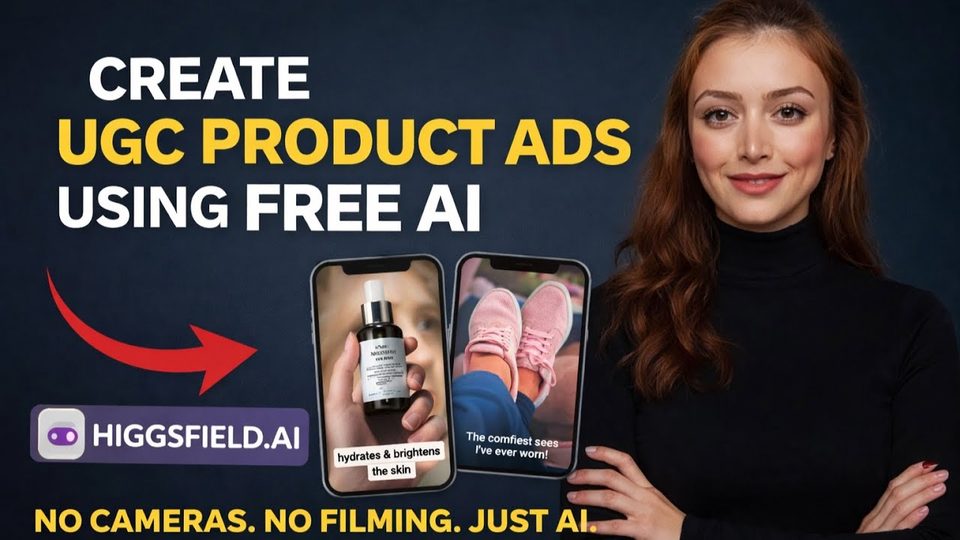
Watch the video with chapters & transcript →
AI TOOLS
Can AI Really Replace $500 UGC Ads in Five Minutes?
In short: UGC-style product ads typically cost around $500 per video; Higgsfield.ai generates one from a product page URL in under five minutes, with no camera or lighting.
Key takeaways
- UGC-style product ads typically cost around $500 per video; Higgsfield.ai generates one from a product page URL in under five minutes, with no camera or lighting.
- The Click to Ad app pulls product images, brand colors, logos, and descriptions directly from an Amazon listing, then renders the video in one to two minutes.
- The finished demo ad was generated with the Sora 2 model in the luxury style at 720p, with higher resolutions available.
If you sell products on Etsy, Shopify, or Amazon, you already know that user-generated-content ads convert exceptionally well. The problem is cost and friction: outsourced UGC videos run around $500 each, and producing them yourself means buying gear, spending time, and appearing on camera. In a recent walkthrough, Ani Björkström tested Higgsfield.ai, a tool that generates complete UGC-style product ads from nothing more than a product page URL.
What is a Higgsfield.ai app?
An app in Higgsfield.ai is a combination of steps, a workflow, that creates an ad for you. The Explore tab shows examples produced by these apps, and the Apps section lists the workflows themselves, including quick transitions, recasting, face swaps, and the one used in this demo: Click to Ad.
How do you turn a product URL into an ad?
You paste a product page URL, in this case an Amazon listing for a ski helmet, and click Continue. Higgsfield connects to Amazon and works through visible steps: extracting product images, finding brand colors, locating logos, processing details, and finalizing a product kit, which usually takes one to two minutes. You then pick a style, options include simple UGC, clean minimalistic, unboxing, customer review, luxury, viral, and cozy mornings, and click Create Video. Rendering takes another minute or two, and you can queue additional ads instead of waiting.
What other apps are included?
While the ad rendered, the demo toured several other workflows. Each takes a simple input, usually one or two images, and returns a generated asset that would otherwise require a shoot.
| App | What it does | Example use |
|---|---|---|
| Angles | Generates a new camera angle from one imported image | Extra product or portrait views |
| Face swap | Applies a target image's hair to your face | Trying different hairstyles |
| Transitions | Animates between a first and last frame (5 or 10 seconds) | Hair coloring product ads |
| Stylist | Applies a chosen outfit to your uploaded photo | Fashion try-on visuals |
| Ingredients to product | Turns ingredient shots into the finished dish | Food content, e.g. pancakes |
What did the finished ad look like?
The completed helmet ad appeared in the asset library with generated voiceover copy describing a lightweight, ventilated multisport helmet with certified protection, detachable ear pads, and an optional visor. It was produced with the Sora 2 model, the luxury style, and 720p output, a quality setting you can raise if needed. For a video that required no camera, no lighting, and roughly five minutes of work, the result stands up against paid UGC production.
FAQ
Do I need to film or photograph anything myself?
No. The Click to Ad workflow builds the product kit from the listing URL, extracting images, brand colors, logos, and descriptions automatically from the product page.
How long does one ad take to generate?
Importing the product kit usually takes one to two minutes, and video creation takes another one to two minutes. You can start another ad while one renders.
Which style should I choose?
It depends on the product's positioning. The demo used the luxury style for a ski helmet, but simple UGC, unboxing, customer review, viral, and other styles are available.
Read the full video transcript, with chapters, on the video page →
Want this working inside your finance team?

Ani Björkström — founder of QvantX Sweden AB, a Stockholm consultancy building AI solutions for banks, asset managers and finance teams. Anthropic partner. Every article starts from a real client build, minus the confidential parts. LinkedIn →
Keep reading — AI Tools
 What Happens If the AI Bubble Bursts? Your Money, Explained Simply
 Anthropic IPO: Did It Really Lose $80 Billion? The S-1 Explained
 AI Can Now Prescribe Medicine Without a Doctor (Utah Just Made It Legal)
 OpenAI's AI Agent Got Into a Government Portal. That's Not the Worst Part.
More: all 65 articles · 3 Claude Agents Every Finance Analyst Should Steal (Full Prompts Included) · 3 Ways to Use AI for Finance & Asset Management · EU AI Act: What Actually Changes on 2 August 2026? · What is DBT and why so many companies use it? · work with QvantX