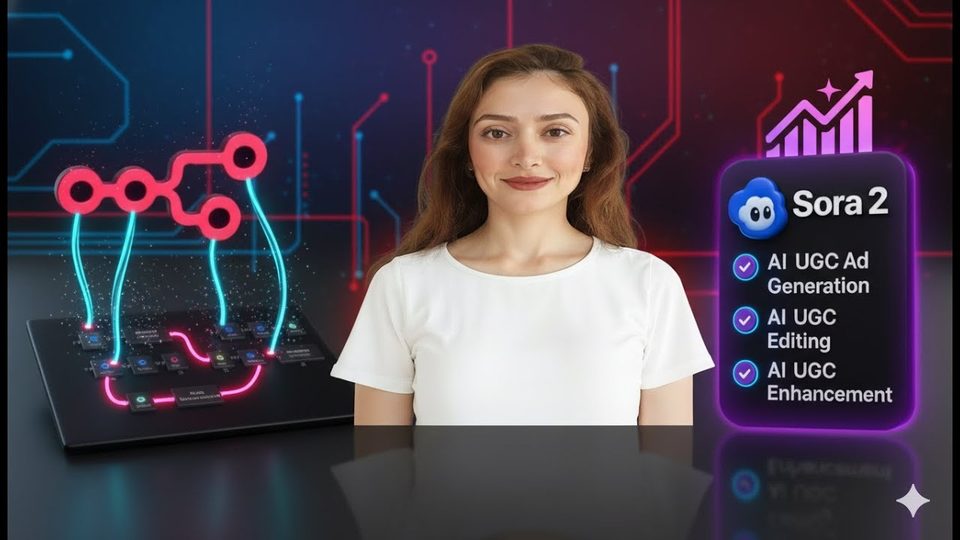
Watch the video with chapters & transcript →
AUTOMATION
How do you generate Sora 2 videos in n8n without writing code?
In short: Sora 2's API can be called from an n8n HTTP Request node with OpenAI header authentication — "Bearer", a space, then your API key — and it works from Europe without a VPN.
Key takeaways
- Sora 2's API can be called from an n8n HTTP Request node with OpenAI header authentication — "Bearer", a space, then your API key — and it works from Europe without a VPN.
- Your reference image must match the size parameter you send, because the image becomes the first scene of the video; a mismatch is one of the most common errors returned by Sora 2.
- The standard sora-2 model produces 8-second clips and is the recommended choice for social media; sora-2-pro extends clips to 15 seconds but costs considerably more.
Sora 2 now has a public API, which means video generation can be wired into an n8n workflow and triggered from a simple form — no code required. Ani Björkström, a tech consultant based in Stockholm, built exactly that: a workflow that takes a prompt and a reference image, sends them to Sora 2, waits for rendering, and downloads the finished MP4, ready for TikTok or YouTube Shorts.
What does the n8n form send to Sora 2?
The form collects exactly the parameters listed in Sora 2's API documentation: the prompt, the model, the video size, the length in seconds, and an input reference image. The documentation is the single source of truth for what to build. The prompt uses a text-area field so longer descriptions fit, the size is a dropdown, and the length is set to 8 seconds. Only specific image file types are accepted as reference files, which is why the form restricts uploads to those formats.
How does authentication with the Sora 2 API work?
The HTTP Request node uses generic header authentication: the form presents an API key that Sora 2 checks against your profile on the OpenAI platform. The value must be written as "Bearer", then a space, then the key — not the key alone. You also need credits loaded on the platform, even one or two dollars, because Sora 2 is a paid offering. Saving the credential in n8n means every future OpenAI workflow can reuse it.
Why does the workflow need a switch node?
Because video creation is not instant, the API first returns a status rather than a video. The switch node routes each status to the right action instead of assuming the clip is done.
| Status | Meaning | Workflow action |
|---|---|---|
| Queued | Video accepted, waiting to start | Wait one minute, check again |
| In progress | Rendering has begun but is unfinished | Wait one minute, check again |
| Completed | Video is ready | Download the MP4 via a GET request |
| Anything else | Something went wrong | Return an error so it appears in the logs |
One detail matters: when passing the reference image to the HTTP node, use the binary reference — typing the form field's name — rather than dragging the image value from the form output. Sora 2 requires the binary format; the drag-and-drop shortcut silently produces the wrong input.
How do you avoid the reference-image size error?
Check that your image's dimensions exactly match the size parameter before submitting. If they differ, Sora 2 rejects the request with a size-mismatch error, because the picture is used as the opening scene. Open the file's properties locally to read the dimensions, and use a simple tool such as the Windows snipping utility to resize it.
FAQ
Can I use Sora 2 from Europe?
The consumer product is only open in the US and Canada, requiring a VPN and an invite code. The API has no such restriction — this workflow runs from Stockholm with no VPN.
Are there content restrictions?
Yes. Sora 2 is highly censored and does not allow the use of various characters, so plan prompts accordingly.
Is the n8n template really free?
Yes — like the video and leave a comment, and the workflow template is sent to you at no cost.
Read the full video transcript, with chapters, on the video page →
Want this working inside your finance team?
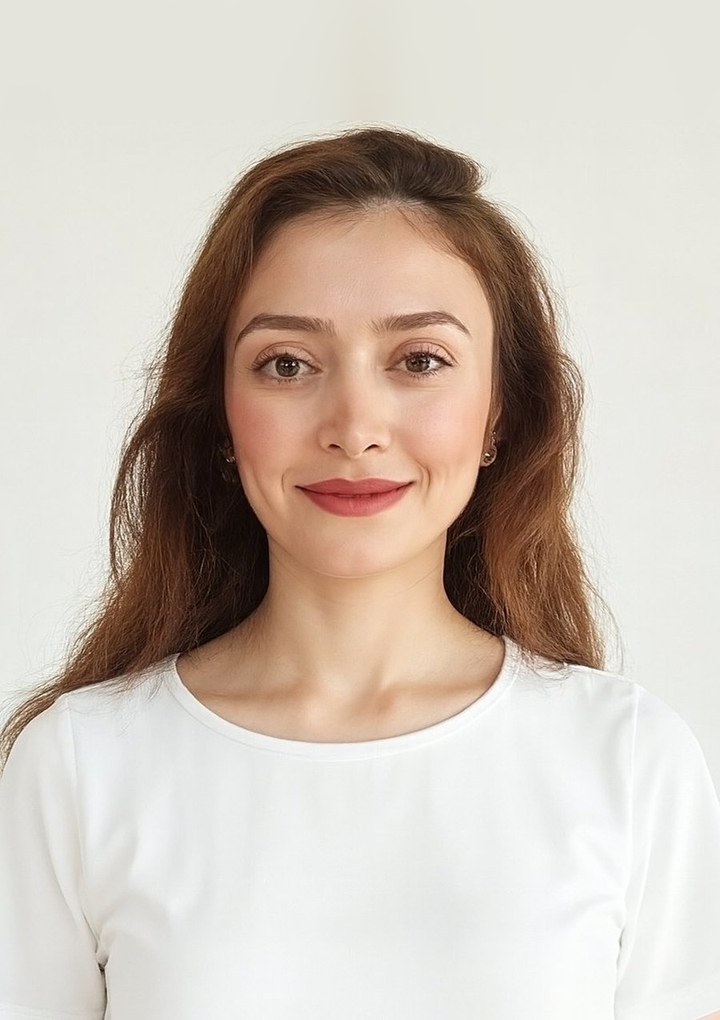
Ani Björkström — founder of QvantX Sweden AB, a Stockholm consultancy building AI solutions for banks, asset managers and finance teams. Anthropic partner. Every article starts from a real client build, minus the confidential parts. LinkedIn →
Keep reading — Automation
 I Built a Full n8n Workflow in Minutes Using Claude AI (FREE TOOLS)
 Claude Code Skills Just Changed How I Make CVs
 How to build a FREE Lead Generation Machine with n8n + Google Maps + Gmail (Free Template) - 2025
 Google Gemini 3 Pro Wrote My Entire n8n Workflow - 2026
More: all 65 articles · How to Automate Your Social Media | RSS → ChatGPT → Facebook, Instagram, LinkedIn & X · How to Set Up LinkedIn AI Post Automation with Make & ChatGPT (Step-by-Step Tutorial) · How to Create an OpenAI API Key & Set Up Billing (Full Step-by-Step Guide) · How to Call External APIs from Snowflake: External Access Integration Guide · work with QvantX