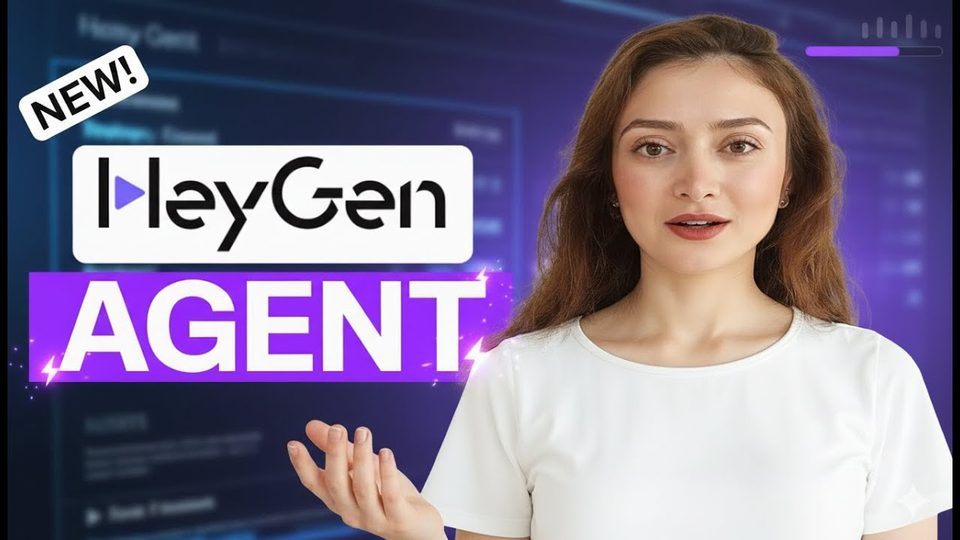
Watch the video with chapters & transcript →
AI TOOLS
Can HeyGen's Video Agent turn one prompt into a finished YouTube Short?
In short: HeyGen's Video Agent converts a single text prompt into a full production plan — topic, audience, script, avatar, voice, B-roll, music and captions — in one to two minutes.
Key takeaways
- HeyGen's Video Agent converts a single text prompt into a full production plan — topic, audience, script, avatar, voice, B-roll, music and captions — in one to two minutes.
- You revise the plan by chatting with the agent ("please disable captions", no music) rather than editing settings screens; the agent updates the plan and shows it again before rendering.
- Video length runs from 15 seconds up to 3 minutes; 60 seconds in 9:16 portrait is the sweet spot for YouTube Shorts, and the final render took about five minutes.
HeyGen's Video Agent is a prompt-to-video workflow: you describe what you want, the agent plans the whole production, and you approve or correct it in plain language. Ani Björkström, a tech consultant based in Stockholm, demonstrated the flow end to end by producing a YouTube Short explaining Sora 2, with the only manual work being two chat messages to adjust the plan.
How do you start a video in the Video Agent?
Log into HeyGen, open Video Agent, and use the plus button to attach material — either "choose from assets" for videos and pictures already saved in HeyGen, or "upload from device" for anything stored locally on your computer. Then add an avatar: public avatars are open to everyone, while your own avatars sit under "my avatars", where each avatar can carry many different looks — one shown in the tutorial had 83. Set the duration (auto, or fixed lengths up to 3 minutes), pick the 9:16 or 16:9 ratio, and paste your prompt; in this case the prompt itself was drafted in ChatGPT first.
What does the agent's plan actually include?
After a minute or two of thinking, the agent returns a structured setup covering every production decision, not just the script. Reviewing this plan is the real control point in the workflow, because everything downstream is generated from it.
| Plan item | Example from the tutorial |
|---|---|
| Topic and audience | Sora 2 explainer for viewers interested in AI video |
| Length and orientation | 60 seconds, portrait (9:16) |
| Script plan and target language | Generated from the prompt |
| Avatar and voice | The creator's own saved avatar and voice |
| B-roll | Footage illustrating Sora 2's features |
| Music and captions | Both on by default; both switched off by chat request |
How do you change settings before rendering?
You type the change into the chat. In the tutorial the instructions were "please disable captions" and to remove the music — reasonable choices for a tutorial-style video — and the agent regenerated the plan within moments, showing captions disabled and the music theme set to "no music". Once the plan looks right, you type "proceed" and rendering begins; the agent estimated five minutes for the finished video.
What happens after the video is created?
The finished Short is ready to distribute directly from HeyGen. You can click share to send a link, or click download to save the file and publish it yourself on YouTube Shorts or TikTok. The demo delivered a complete Sora 2 overview — its diffusion-transformer approach, the VPN and invite-code workaround for European users, and a note on ethical use of likeness and consent — all generated from one prompt.
FAQ
How long can a Video Agent video be?
You can let the agent decide based on your prompt, or fix the length at options such as 15 seconds, 30 seconds or 60 seconds, up to a maximum of 3 minutes.
Do I have to write the script myself?
No. The agent builds the script plan from your prompt. In the tutorial the prompt itself was generated in ChatGPT and pasted in.
Can I use my own face and voice?
Yes. Avatars you have created appear under "my avatars", each with multiple looks, and the plan uses your saved avatar and voice.
Read the full video transcript, with chapters, on the video page →
Want this working inside your finance team?
Ani Björkström — founder of QvantX Sweden AB, a Stockholm consultancy building AI solutions for banks, asset managers and finance teams. Anthropic partner. Every article starts from a real client build, minus the confidential parts. LinkedIn →
Keep reading — AI Tools
 What Happens If the AI Bubble Bursts? Your Money, Explained Simply
 Anthropic IPO: Did It Really Lose $80 Billion? The S-1 Explained
 AI Can Now Prescribe Medicine Without a Doctor (Utah Just Made It Legal)
 OpenAI's AI Agent Got Into a Government Portal. That's Not the Worst Part.
More: all 65 articles · Best YouTube Channels for AI in Finance (2026, Ranked) · Best AI Tools for Finance Teams in 2026 · Claude vs ChatGPT for Finance Professionals (2026) · Best Free Ways to Learn Claude AI for Finance (2026) · work with QvantX